Creating a home workspace that balances comfort and productivity is essential for anyone working remotely or managing tasks from home. A well-designed work area encourages focus, reduces distractions, and supports physical well-being. In this post, we’ll explore practical tips to help you set up a workspace that keeps you motivated and comfortable, no matter your job or schedule.
Why a Comfortable Workspace Matters
Your workspace influences your mood, concentration, and overall efficiency. An uncomfortable setup can lead to distractions, fatigue, or even physical problems like back pain. By prioritizing comfort and ergonomics, you’re investing in better work habits and a healthier routine.
Choosing the Right Location
Consider Natural Light
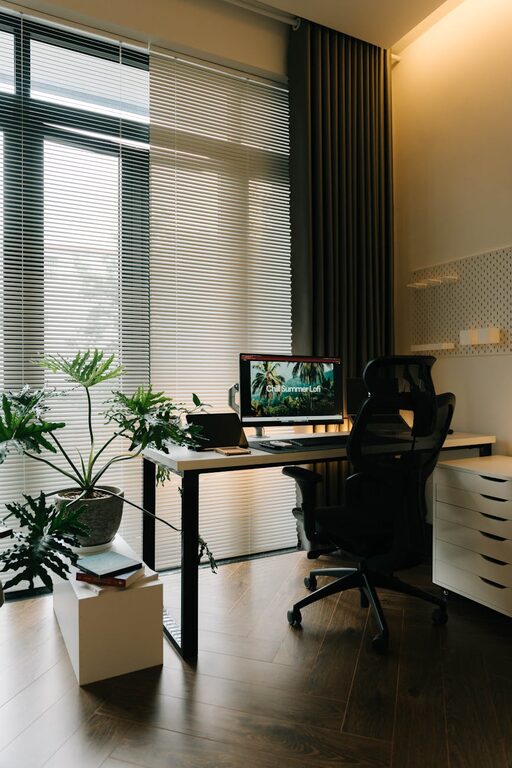
Whenever possible, choose a spot near a window. Natural light helps regulate your body clock, improves mood, and reduces eye strain.
Minimize Noise
Select a quiet corner away from household noise or distractions. If noise is unavoidable, consider noise-canceling headphones or a white noise machine.
Limit High Traffic Areas
Pick a space with minimal foot traffic to help maintain concentration and avoid interruptions during important tasks or virtual meetings.
Ergonomics: Invest in Your Physical Health
Select an Ergonomic Chair
A supportive chair with adjustable height and lumbar support reduces strain on your back and neck. Take time to adjust it properly for your body.
Desk Height Matters
Ensure your desk height allows your elbows to rest at a 90-degree angle while typing. This prevents wrist and shoulder discomfort.
Position Your Screen Correctly
Your computer screen should be at eye level, about an arm’s length away, to avoid neck strain and promote good posture.
Use Supportive Accessories
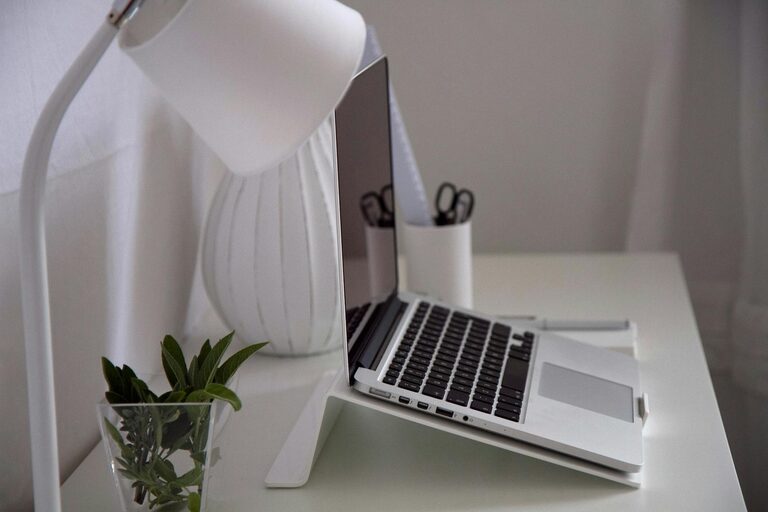
Consider a keyboard tray, footrest, or monitor stand to tailor your workspace setup for comfort.
Organizing Your Workspace for Efficiency
Declutter Regularly
A tidy workspace helps clear your mind. Keep only essentials on your desk, and store other items nearby but out of sight.
Use Storage Solutions
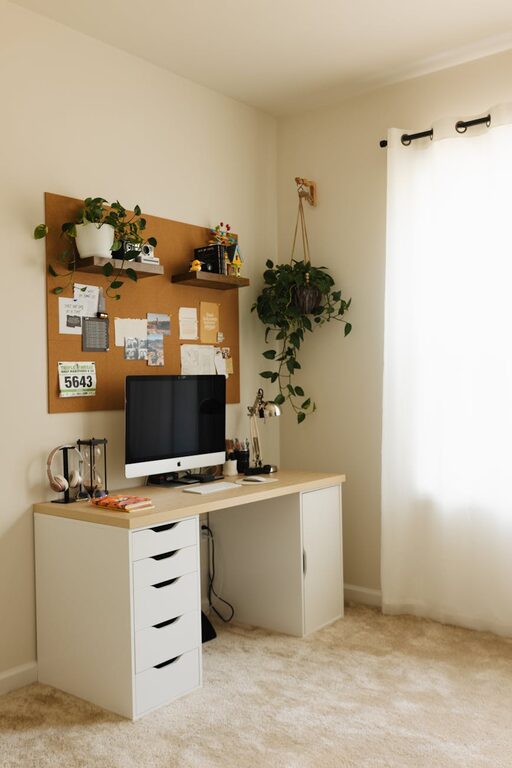
Drawer organizers, shelves, and file trays help keep documents and supplies in order without cluttering your desk.
Plan Cable Management
Use clips or cable sleeves to keep wires neat and prevent tangling, making your workspace safer and more visually appealing.
Personalize Your Space
Add Plants
Plants improve air quality and add a calming touch to your workspace. Low-maintenance options like succulents or spider plants are great choices.
Include Inspiring Elements
Photos, artwork, or motivational quotes can boost your mood. Just avoid overcrowding your desk to keep the focus on work.
Choose Comfortable Lighting
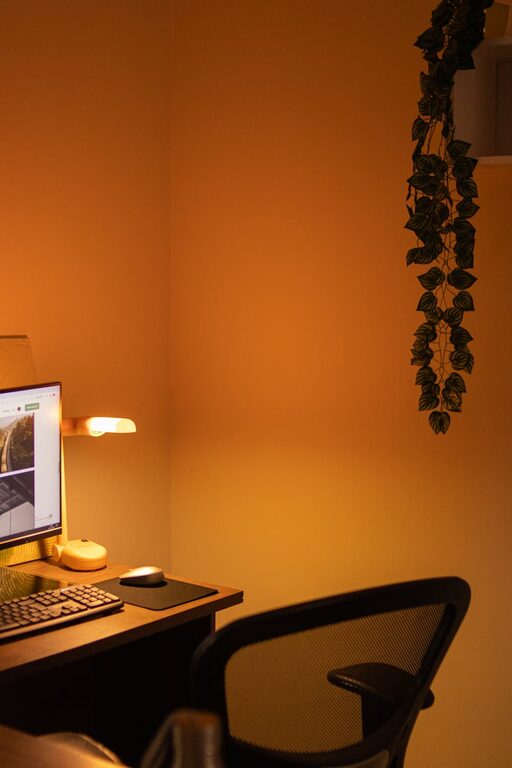
In addition to natural light, use adjustable desk lamps with warm light to prevent eye strain during late hours.
Establish Boundaries to Enhance Focus
Set Specific Work Hours
Define your work schedule to separate professional and personal life effectively. Communicate these hours with family or housemates.
Create a Routine
Start your day with similar rituals—organizing your desk, making a to-do list, or stretching—to signal your brain that work time has started.
Take Scheduled Breaks
Incorporate short breaks throughout the day to rest your eyes and stretch your legs. This maintains energy and prevents burnout.
Technology Tips for a Smooth Workflow
Reliable Internet Connection
Ensure your workspace has strong internet connectivity for smooth video calls and efficient online work.
Use Headphones
Quality headphones help block distractions and improve audio for virtual meetings.
Backup Your Work
Use cloud storage or external drives to prevent data loss and keep important documents accessible.
Final Thoughts
Designing a comfortable and productive home workspace is about balance. Focus on ergonomics, organization, and personalization while maintaining boundaries. Small adjustments can make a big difference in your daily work experience, helping you stay healthy, focused, and motivated.
Remember, your workspace should adapt to your unique needs and preferences. Don’t hesitate to try different setups until you find what best supports your productivity and comfort. Happy working from home!